
Write a story one text at a time
Start with a reason to text. Give each person a voice, reveal something and stop on the payoff. Here’s an eight-message example you can edit.
Original authored fiction, not model output.
On this page
The after-hours pianist
Nora is closing the library; Eli has gone home. She sends quick lowercase discoveries. He replies with dry, complete questions.
| Speaker | Message |
|---|---|
| Nora | the book return is playing jazz |
| Eli | Please tell me that’s your phone. |
| Nora | my phone is in my hand |
| Nora | wait |
| Nora | a mouse in a bow tie just took a request |
| Eli | Does he have a library card? |
| Nora | yes. twelve books overdue |
| Eli | Then tell him to play the blues. |
Why the exchange works
- Setup: the unusual sound gives Eli a reason to answer.
- Voice: sentence shape and punctuation distinguish the speakers.
- Interruption: “wait” makes room for the discovery.
- Reveal: one concrete image—the mouse in a bow tie—explains the music.
- Ending: “play the blues” connects the music and overdue books. The story stops there.
Read without the names. If both speakers sound alike, change one voice’s sentence length. If the reveal needs an explanation, add an earlier clue or simplify it.
Try another ending
Choose Edit this conversation below, then Make a Copy. Nora is the blue outgoing side. Replies are off, so you can choose the sender beside the message bar and write both sides.
Keep the opening and change the reveal, or give Eli a different final line.
Find more conversation templates or use the editor guide to change names and attachments.
Check the pacing in video
- Open the conversation menu and choose Make Video.
- Choose 9:16 for 1080 × 1920 or 1:1 for 1080 × 1080.
- Start at 1×. Press Play and check that every line has enough reading time.
- Adjust Speed, Typing, Keyboard and Sound. Use the position slider to revisit a part.
- Choose Save Video and watch the saved MP4.
Speed runs from 0.5× to 2×, including 0.75×, 1× and 1.5×. It changes the whole exchange. Shorten a slow line before speeding up every message; individual pauses are not adjustable.
Typing shows the outgoing text being typed. Keyboard needs Typing on and the upright format. The other side’s dots and reading pauses are generated automatically; messages play in order.
Sound adds message and typing sounds. Add voiceover, music or background footage afterwards in your video editor.
Download the finished example
38-second MP4 (3.4 MB) · Full-resolution PNG · Conversation JSON
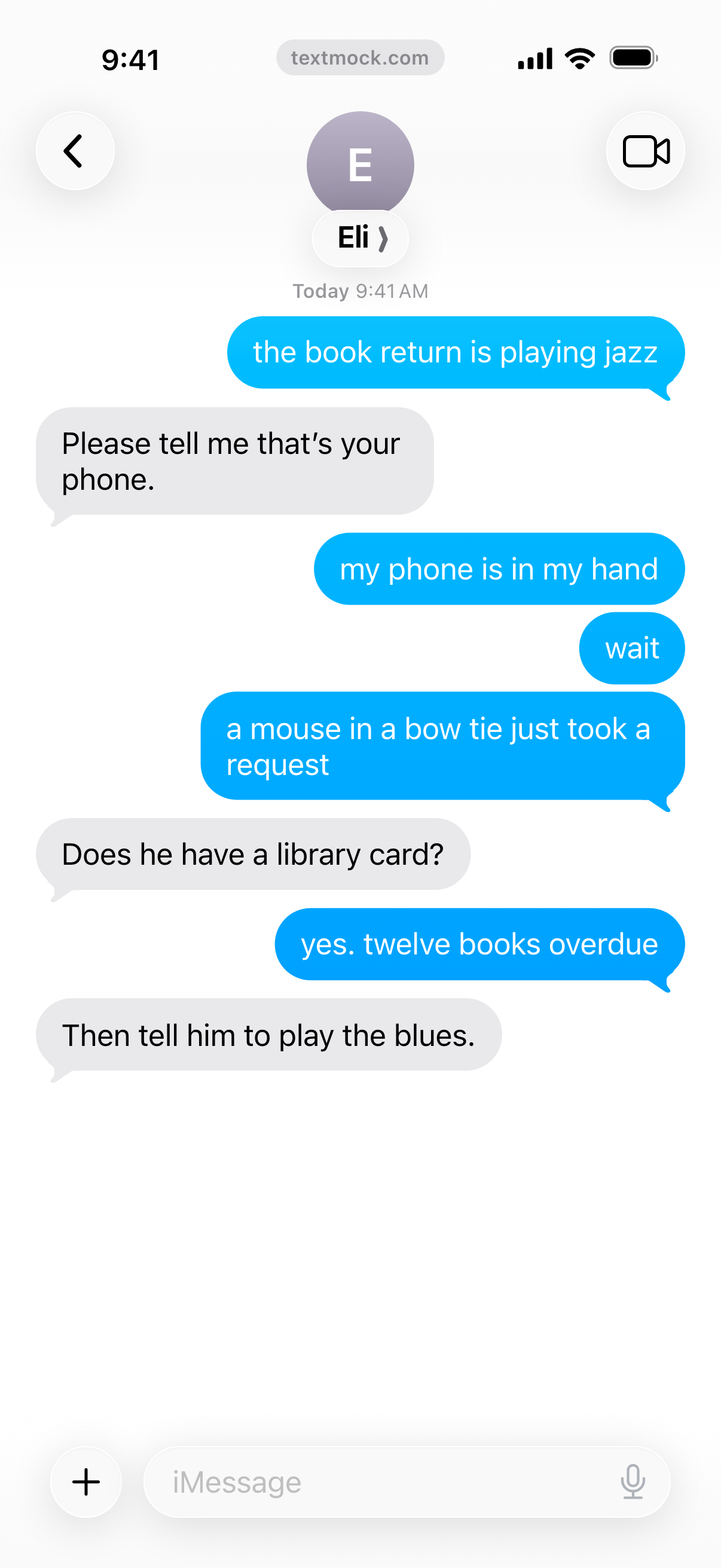
All three use the exact script above. The video is 1080 × 1920 at 30 frames a second, with 1× speed, Typing, Keyboard and Sound on. The PNG is 1206 × 2622. Both show the ordinary free-plan badge.
Make a copy, change the ending and compare its pacing. For layout cases, try the conversation UI fixtures.
Finish your version
Write manually or use a character personality and a supported local model for suggestions. Every message stays editable.
Free exports carry a small textmock.com badge; Pro removes it. See video export details and pricing.