Textmock for Mac
Write a conversation, or let a fictional character reply with AI running on your Mac. Edit any message, then save an image or video.
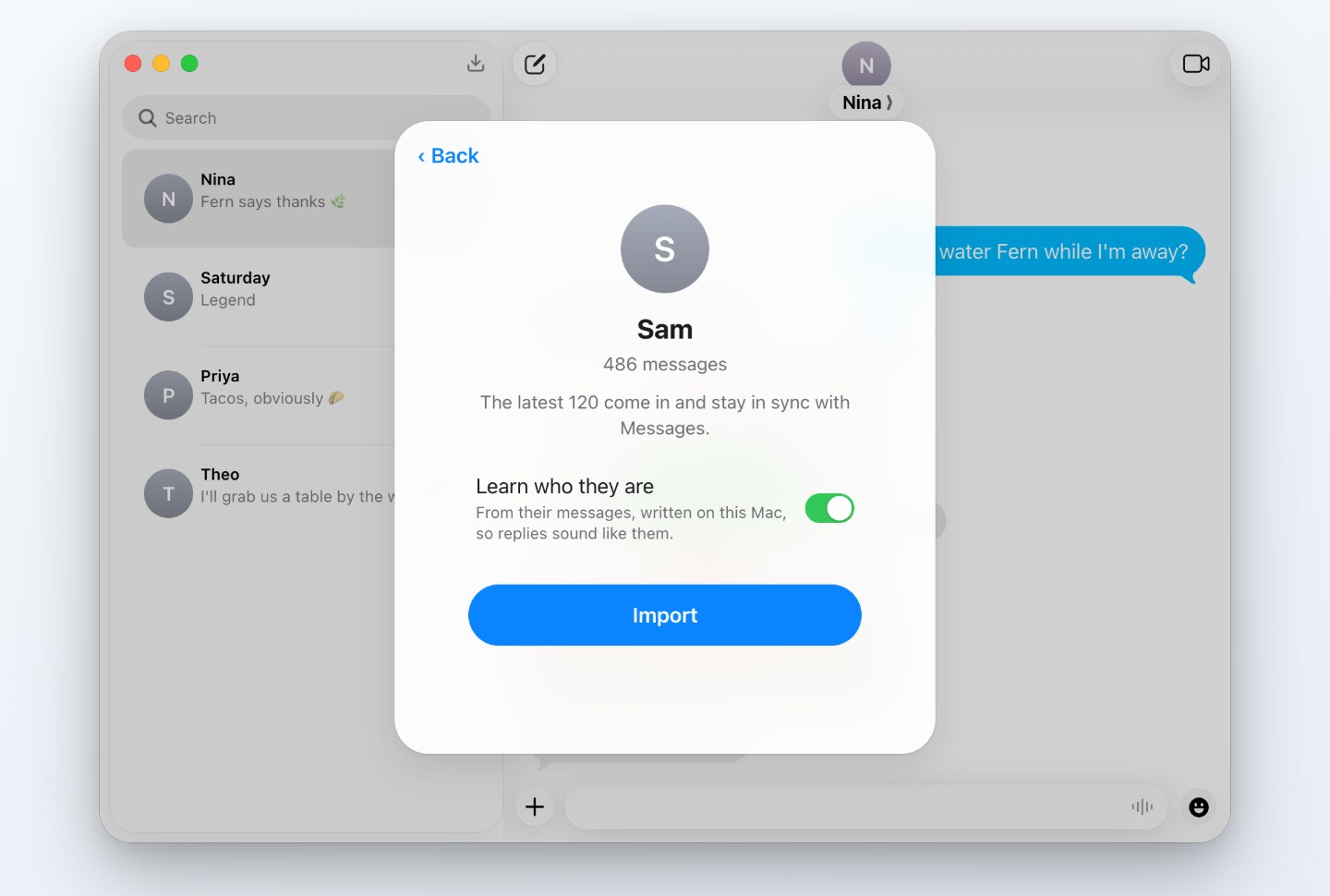
Import from Messages to work with a copy of a real thread. Textmock is a separate app; its fictional replies are never sent through Messages.
Download for MacVersion 1.0.19 · macOS 14 or later · 57.9 MB · signed and notarized by Apple
Installing
Open the downloaded zip and drag Textmock to Applications. The first time you open it, macOS asks to confirm an app from the internet.
Three ways to use it
- Write a scene. Write both sides, add photos and reactions, then use Save Image or Make Video in the ⋯ menu. Try a finished example.
- Text a character. Choose a starter or describe your own. Add private notes you can edit or remove; the model can still miss a detail. Explore character chat.
- Use a real thread. Import a copy from Messages. Sync later to add new texts while keeping your edits. Import and export a conversation.
What AI replies need
Apple Intelligence needs a supported Mac with macOS 26 and Apple Intelligence enabled. Alternatively, Gemma 4 works on Apple silicon with at least 8 GB of memory.
Choose Download Gemma 4 in the ⋯ menu for a 3.7 GB download from Hugging Face. It starts only when you ask; you can pause or remove it. Without a ready model, you can still write both sides yourself. Check your setup.
Personality, memory and web lookup
Shape Their Personality helps you write a character description. Review it before applying; it is included in share links by default. What They Remember holds private notes for this conversation, excluded from share links. Textmock never adds notes automatically.
Look Something Up searches English Wikipedia or reads a public HTTPS page, without an account or paid plan. Only the words or URL you submit leave the device, not your conversation or notes. A selected excerpt informs one local reply. How lookup works.
Permissions for importing Messages
Import from Messages asks for Full Disk Access so it can read the selected thread. Contacts access is optional and replaces numbers with names. Textmock reads Messages only when you import or sync; it never changes the original.
The copied conversation stays on your Mac. Reply generation does not upload it. Optional lookup sends the search words or public URL you confirm. What stays local and what goes online.
Use it with a coding agent
Choose Textmock › Install Command-Line Tool… to let Codex or another agent make, edit and export conversations in the open app. Textmock asks before an agent reads Messages. Read the agent guide.
Free, with optional Pro
Free includes one conversation and a small “textmock.com” badge on exports. Pro is $5 a month for more conversations and exports without the badge. One subscription covers the website and Mac app. Compare plans.
Turn a real conversation into a video · Practice texting someone you know · iMessage mockups · Pricing · Agent guide · Privacy
© 2026 Hraness