Textmock for Mac
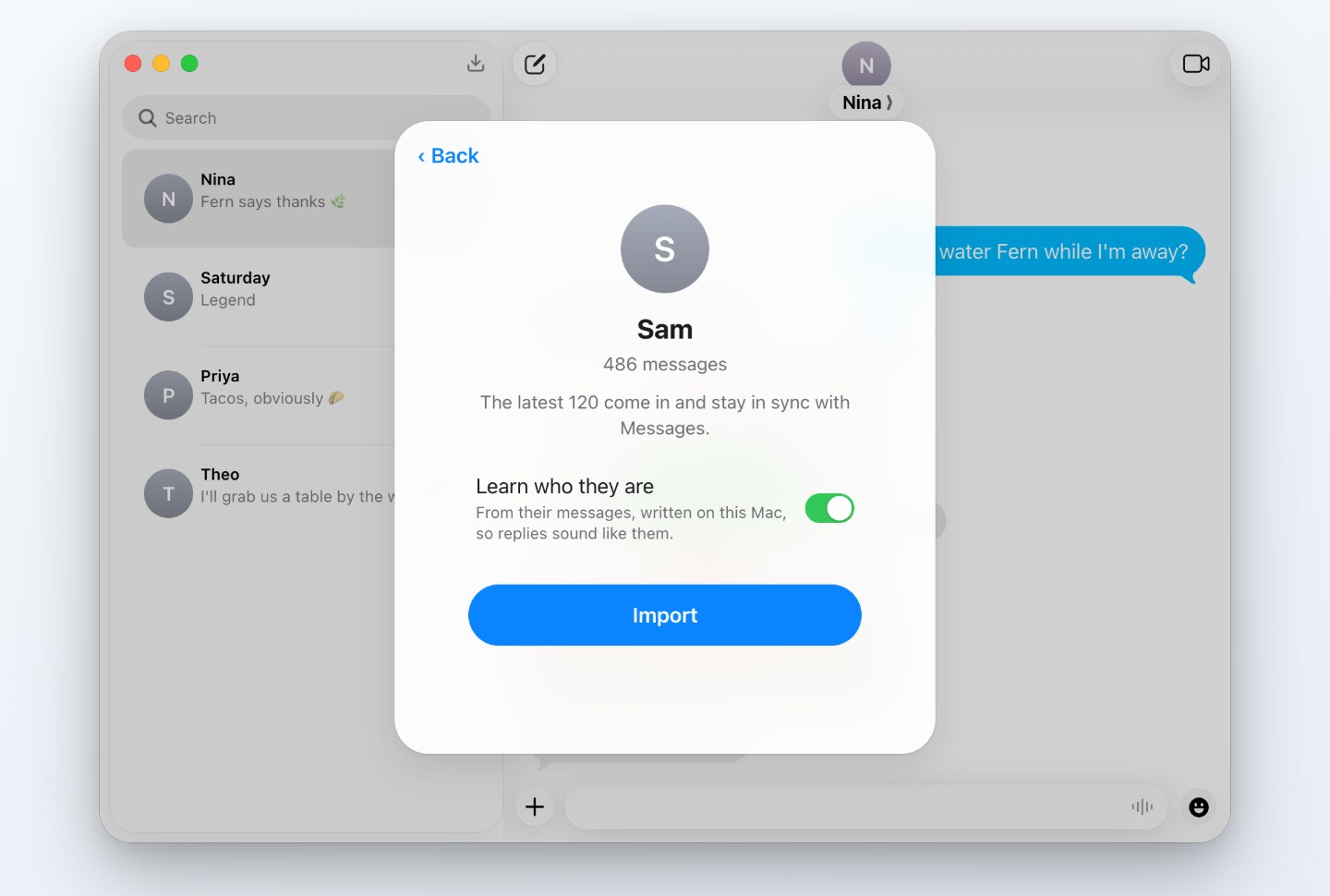
The same editor as the website, in a window of its own, and it can bring a conversation over from Messages: pick one, and it arrives as a mockup you can edit. Sync later to pick up what’s new without losing your edits.
Download for MacVersion 1.0.13 · macOS 14 or later · 5 MB · signed and notarized by Apple
Installing
Open the downloaded zip and drag Textmock to Applications. The first time you open it, macOS asks to confirm an app from the internet.
Importing from Messages
- Messages keeps conversations where only apps with Full Disk Access can read them. Textmock asks when you first choose Import from Messages and opens the setting for you. Without it, everything else still works.
- Textmock may also ask to read Contacts, to show names instead of numbers. Saying no keeps numbers and emails.
- It reads Messages only when you import or sync, never changes it, and nothing it reads leaves your Mac. See Privacy.
Images and videos
Save Image saves the conversation as a full-resolution iPhone screenshot. Make Video plays it out, message by message with typing, and saves a tall or square video. Both are in the menu behind the FaceTime button at the top right.
Replies
When the other side texts back, Apple Intelligence writes their replies on your Mac (macOS 26 with Apple Intelligence on). Elsewhere, replies are off.
Textmock Pro
Textmock is free with one conversation, and saved images and videos carry a small “textmock.com” badge. Textmock Pro, $5 a month, removes the badge and keeps any number of conversations. Subscribe from the app, or sign in with the email of a subscription you started on textmock.com; one subscription covers the website and the Mac app. Cancel anytime at Link.
© 2026 Hraness