Fake text message generator
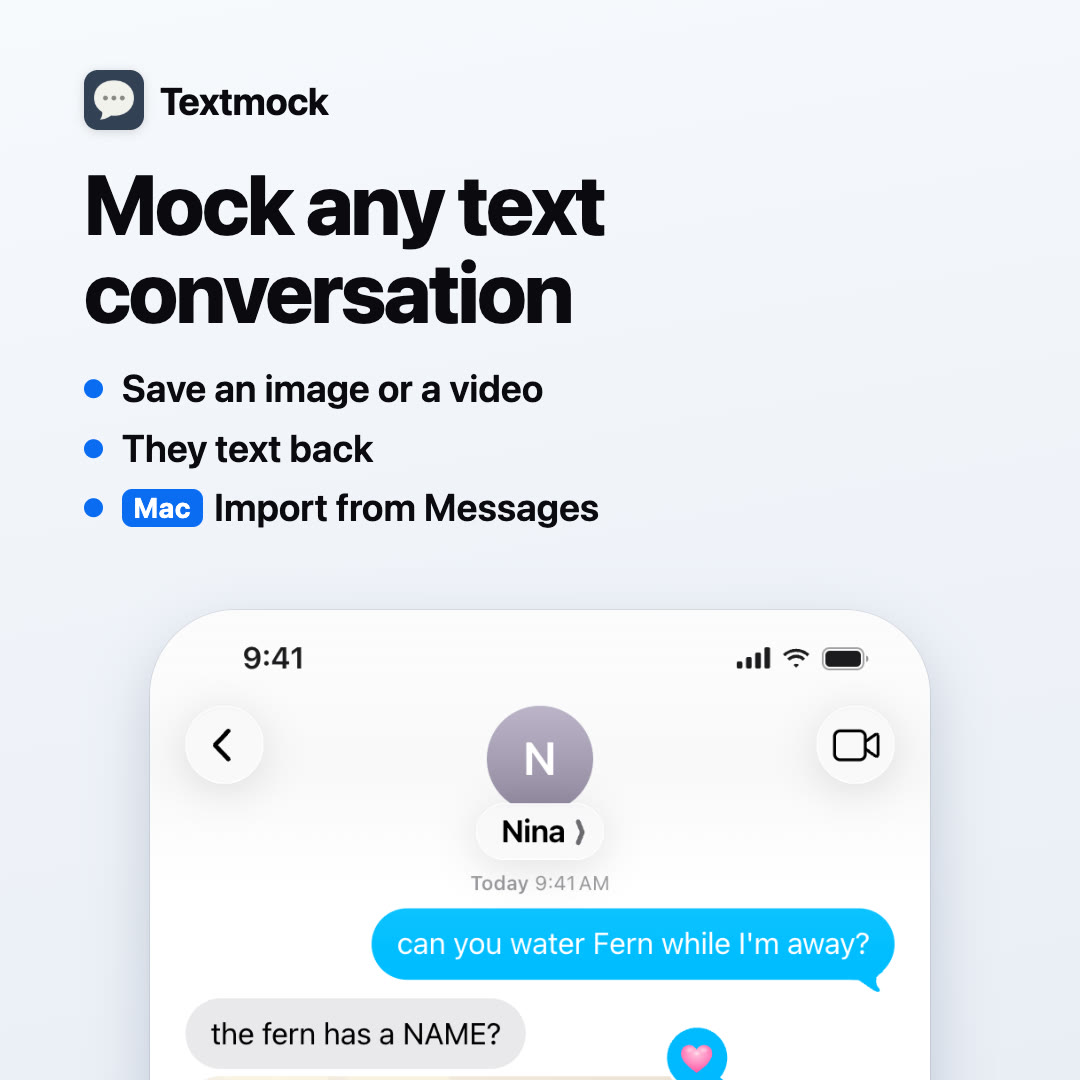
Textmock makes a text conversation that looks like a real one on an iPhone. You edit it where it’s drawn: tap a message, a name or the clock and type. Then save it as an image or as a video of the conversation playing out.
Open TextmockFree to try. No account, and nothing to install on the web.
How to make a fake text conversation
- Open textmock.com. A sample conversation is already there.
- Tap any message and replace its words. Tap the name or the photo at the top to change who it’s with.
- Type a new message in the message bar. The switch beside it picks which side sends it.
- Press and hold a message for reactions, replies, “Delivered” and “Read” receipts, edited and unsent messages.
- Open the menu at the top right and choose Save Image or Make Video.
What you can put in a conversation
- Blue iMessage-style bubbles, or green ones for SMS and RCS, in light or dark mode.
- Photos, videos, link previews, voice notes, polls, locations with a real map, contacts, files and stickers, from the + button.
- Tapback reactions, inline replies, typing dots, text effects and screen effects.
- Group chats with up to eight other people.
- The details around the conversation: the clock, battery, signal, unread count and time labels.
- Ten languages: English, Spanish, French, German, Italian, Portuguese, Japanese, Korean, and Simplified and Traditional Chinese.
Let the other person text back
Textmock can write the other person’s replies for you. Describe who they are, send a message, and their answer arrives with typing dots, as it would on a phone. The replies are written by a model on your own device: Chrome’s built-in model on a computer, or Apple Intelligence in the Mac app. Your conversation is not sent anywhere to do it. You can also write both sides yourself.
Save an image or a video
Save Image gives you a PNG at the phone’s full resolution. Make Video gives you an MP4 of the conversation arriving message by message, with typing and sounds, upright (1080 × 1920) for TikTok, Reels and Shorts, or square. You can also share a link that opens an editable copy.
Private by design
Conversations and photos stay in your browser or on your device. There is no upload and no account. A share link carries the conversation in the part of the address that browsers don’t send to servers. The privacy page lists the few requests the site does make.
What it costs
Textmock is free with one conversation, and saved images and videos carry a small “textmock.com” badge. Textmock Pro is $5 a month: it removes the badge and keeps more conversations. Everything else is free.
Use it honestly
Textmock is for stories, memes, comics, design mockups, teaching and presentations. Don’t use a made-up conversation to deceive someone, to impersonate a real person, or as evidence of something that wasn’t said.
Questions
Is Textmock free?
Yes. You can make, edit and save a conversation for free. Free saves carry a small “textmock.com” badge and the free version keeps one conversation. Textmock Pro, $5 a month, removes the badge and keeps more conversations.
Do I need an account or an app?
No. Textmock runs in the browser at textmock.com with no account. There is also a Mac app, and an iPhone app is on its way to the App Store.
Is my conversation uploaded?
No. The conversation and its photos stay in your browser or on your device. Saving an image or a video happens on the device too.
Can it make a video of the texts?
Yes. Make Video saves an MP4 of the conversation playing out, with typing dots, key-by-key typing and message sounds, at 1080 × 1920 or 1080 × 1080.
Can I make a group chat?
Yes. A conversation can have up to eight other people, each with a name and photo.
Can I make green SMS bubbles?
Yes. In the conversation’s settings, switch from iMessage to Text Message (SMS) or RCS and your bubbles turn green.
Does it look like the current iPhone?
Textmock draws the conversation in the style of the current Messages app on iPhone, in light and dark mode, including the status bar and the message bar.
Is it legal to make a fake text conversation?
Making one for a story, a meme, a design or a lesson is fine. Using one to deceive, defraud, harass or impersonate someone, or presenting it as evidence, can be illegal, and Textmock is not for that.
© 2026 Hraness